Prompts#
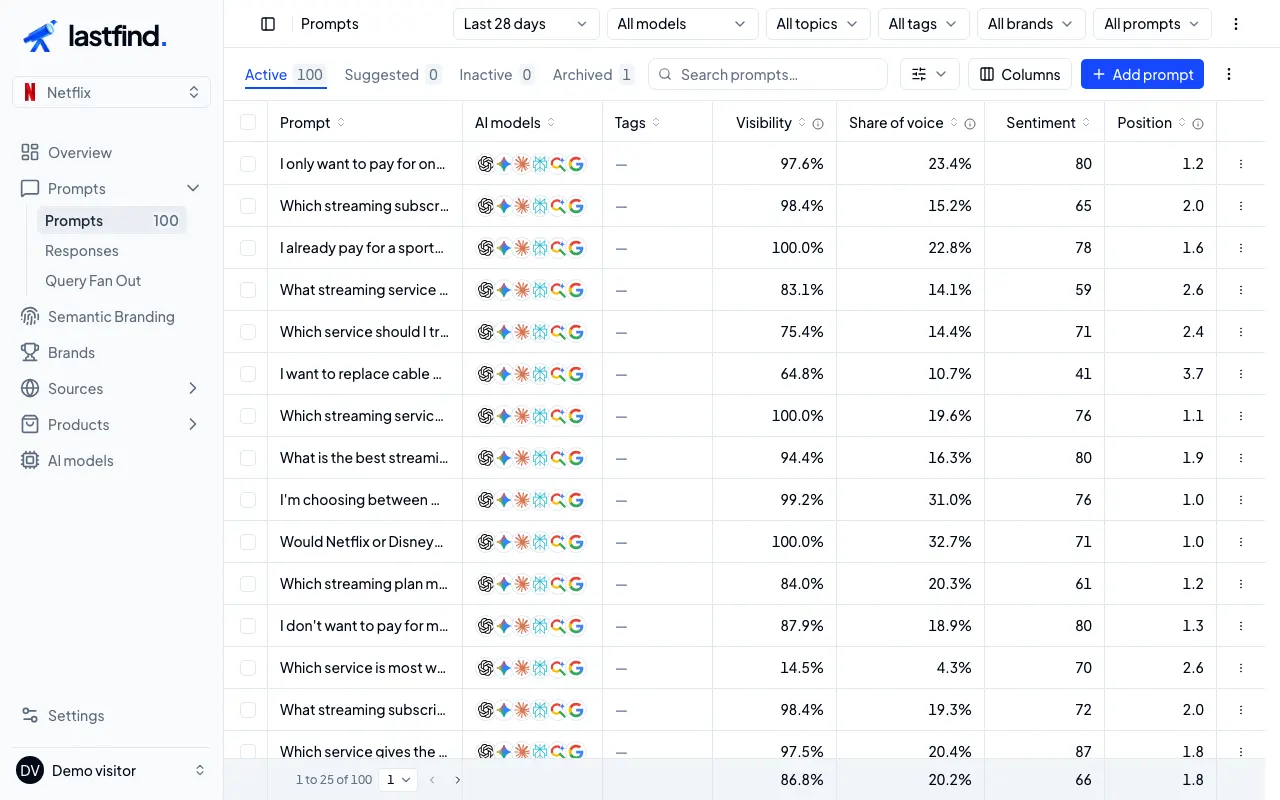
Every question with its AIs, tags and metrics for the period. The tabs split Active, Inactive and Archived prompts. Columns chooses what the table shows, More filters narrows it (for example to questions where only competitors appear), and the menu of each row pauses, archives or restores it. Pausing keeps history and the prompt’s place in your plan; archiving frees it. Open a prompt to see its answers, brands and sources over time.
A question can use the project’s default AIs, its topic’s or its own: the most specific choice applies.
Responses#
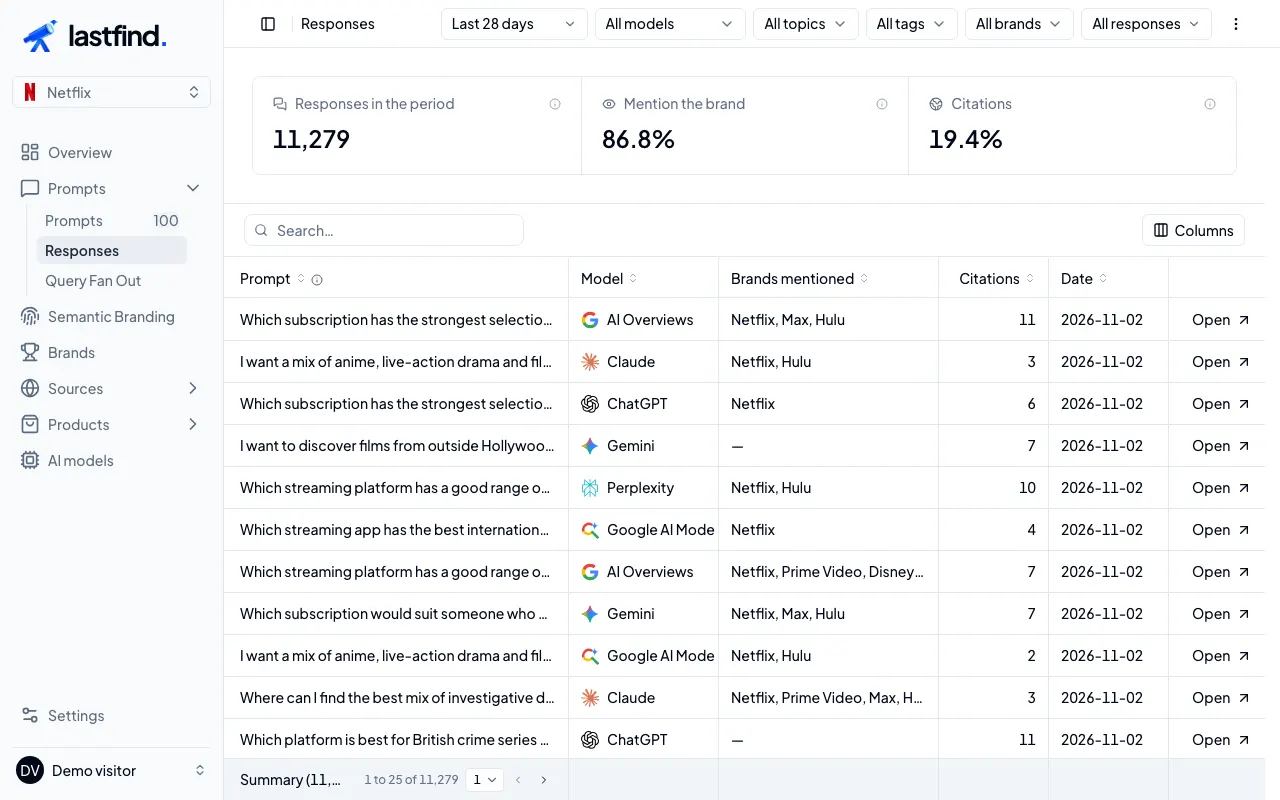
Every collected answer, with filters by AI, mention and citation. Open one to read the original text as the AI wrote it, the brands it names with their sentiment and the reason, and the links it cited or consulted. This is the evidence behind every number.
Query Fan Out#
The searches the AIs ran on the web to answer your prompts, grouped by intent. They show what an AI looks for before it recommends, and which pages it may find.